Daily
Your day, all in one view
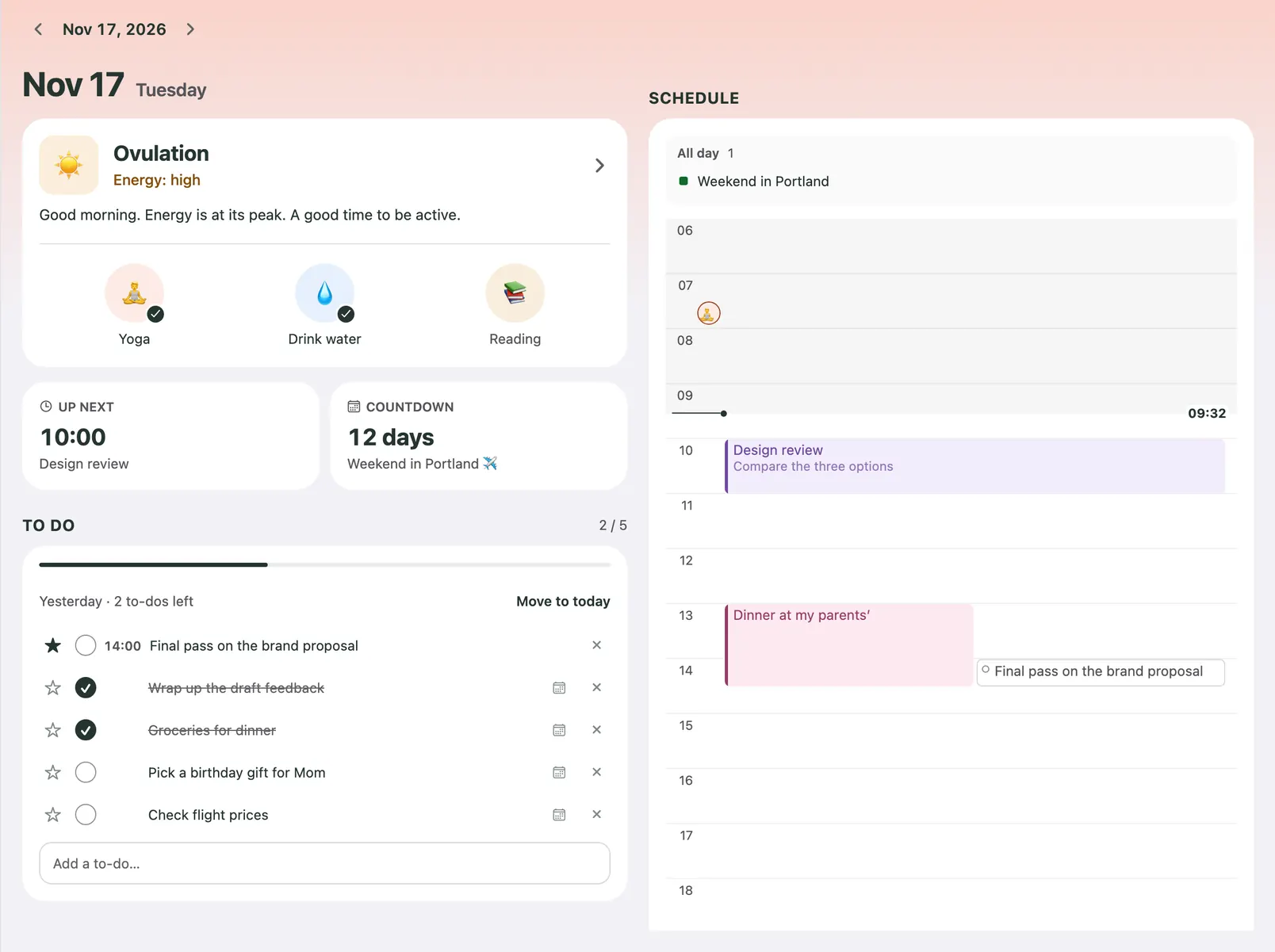
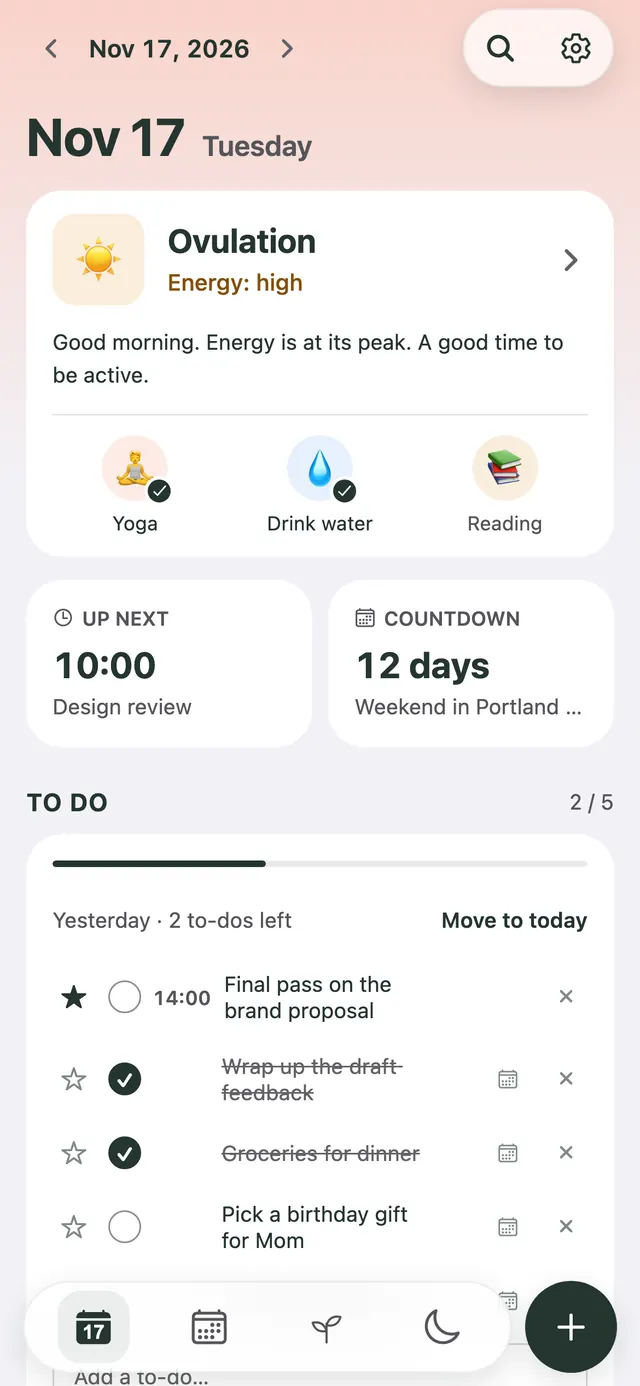
Events on a timeline. To-dos on a checklist. Habits close at hand. Daily brings them together, so you can see what’s ahead and decide what fits today.
Star what matters. Save undated to-dos for Someday.
A planner for women.
Thu 17
Sample calendar. Colors show predicted cycle phases.
Events, to-dos, and habits, with your cycle in view. So you can plan with yourself in mind.
Monthly
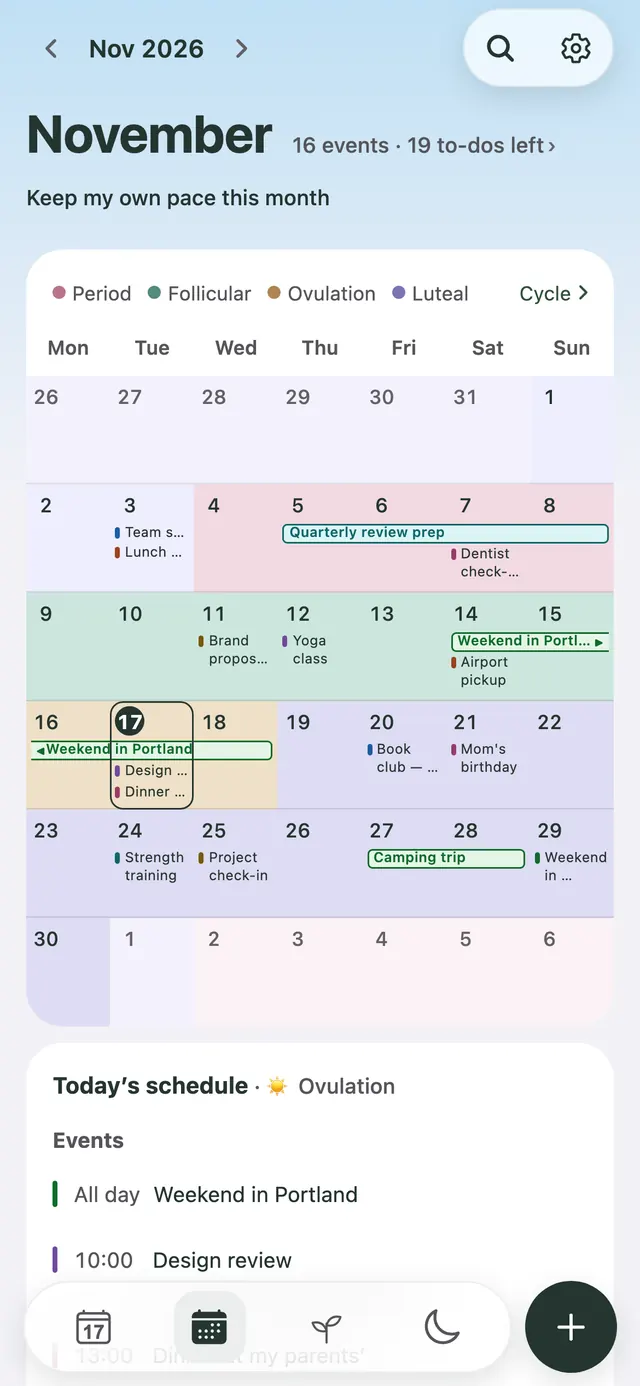
Predicted phases show as soft color behind each day, and your events keep their place.
A trip next month. A busy week ahead. Your cycle is already there when you’re deciding what to take on.
Cycle features are off by default. Turn them on only when they are useful to you.
Daily
Events on a timeline. To-dos on a checklist. Habits close at hand. Daily brings them together, so you can see what’s ahead and decide what fits today.
Star what matters. Save undated to-dos for Someday.
Habits
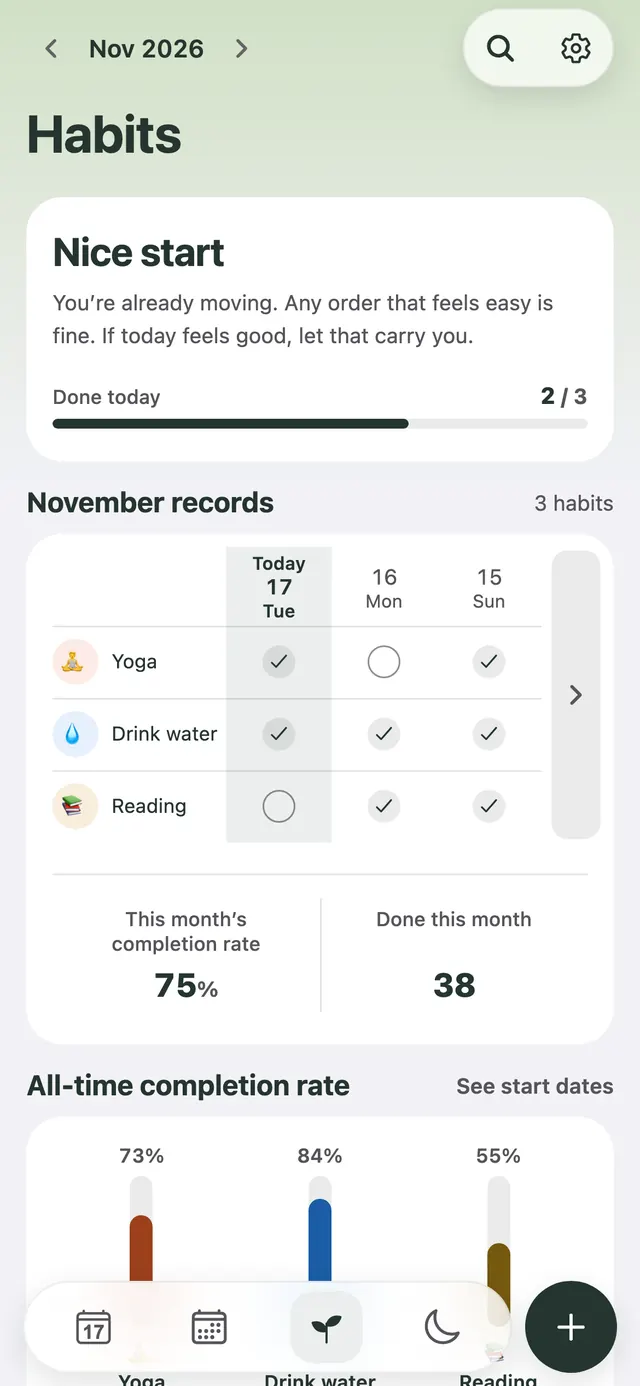
A daily walk. Reading before bed. Choose the days for each habit, then see your check-ins build into streaks and a heatmap.
Miss a day, come back, keep going.
Cycle
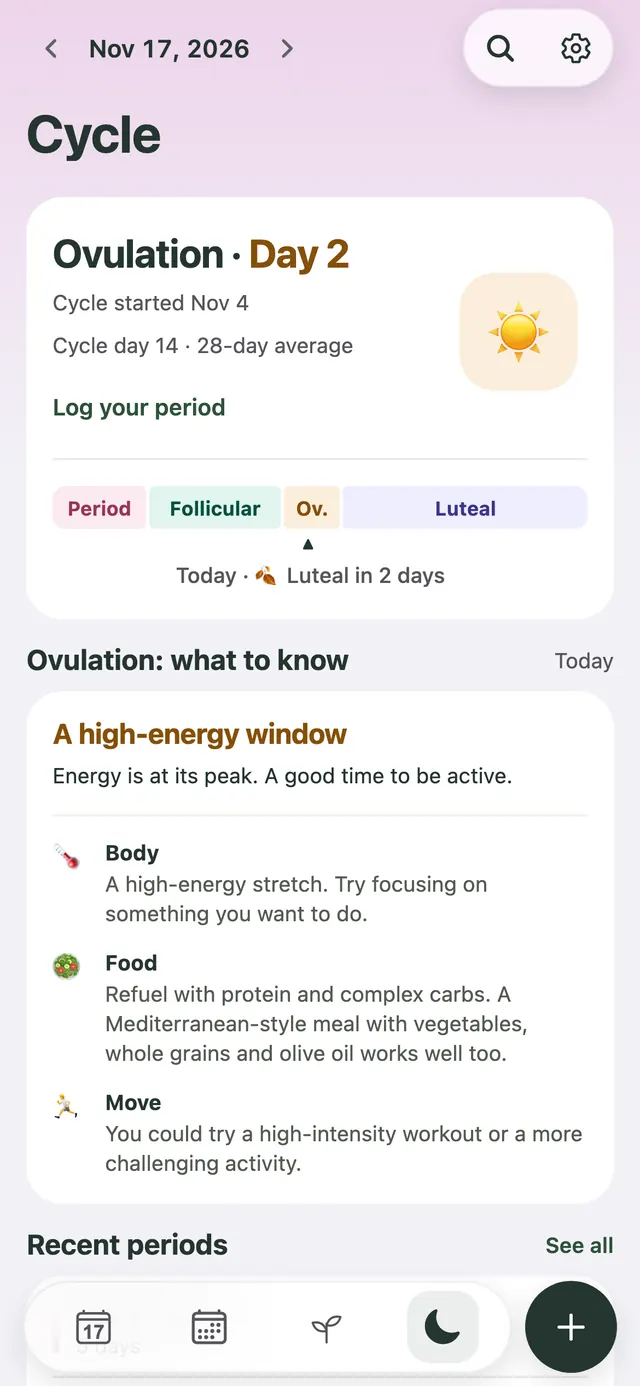
Log your period and see your history and predicted phases — context you can bring to your plans.
A more discreet way to plan Discreet mode replaces cycle terms with emojis. Calendar colors and your own entries stay visible.
More room to plan on the web. Your plans close at hand on iPhone and Android. Sign in with Apple or Google to sync your Kiyo records across devices.
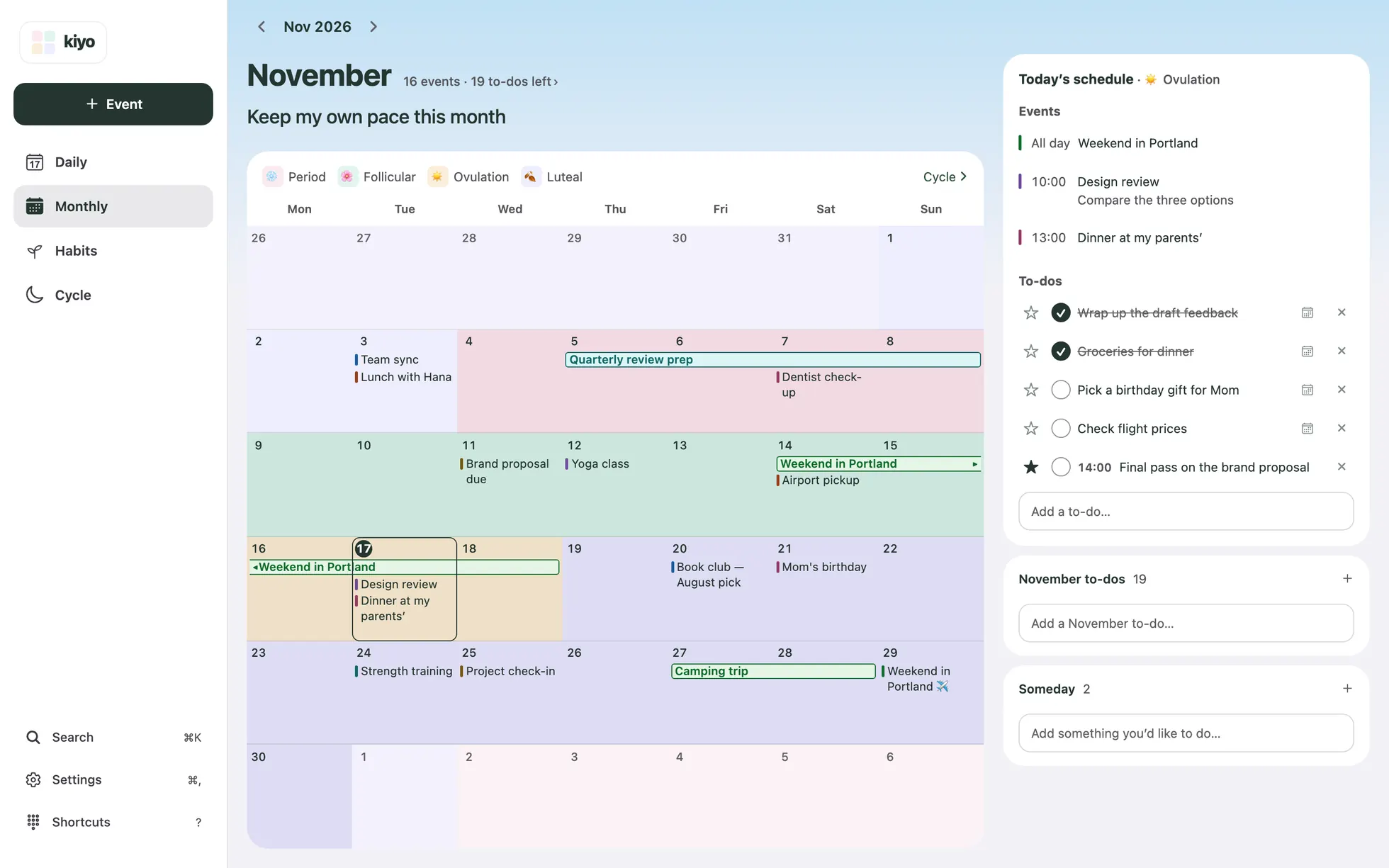
Edit an event in Kiyo or Google Calendar. The change appears in both.
To-dos sync both ways with Google Tasks, too. Connect either service after signing in.
Your cycle records aren’t shared with Google. Cycle colors appear in Kiyo, alongside your connected events.
We don’t sell any of your data, and your cycle records are never used for advertising.
Kiyo works as a planning app even if you never use its cycle features.
You can start without one. Sign in with Apple or Google to sync your Kiyo records across devices or connect Google Calendar and Google Tasks.
On the web, they’re saved in the browser you’re using. Clearing browser data may erase them. Signing in later doesn’t add them to your account. To keep your records in your account, sign in before you start recording them.
Yes. Events, to-dos, and habits work with cycle features turned off. Cycle features are off by default.
Kiyo uses your recorded period start date and average cycle length to estimate the phases shown on your calendar. They’re a planning reference, not a prediction of how you’ll feel.
Yes. After signing in, you can connect Google Calendar and Google Tasks. Connecting is optional, and you can disconnect at any time. Your cycle records are never sent to Google.
Yes. Kiyo is available on the web, iPhone, and Android. Sign in to the same account to sync your Kiyo records across devices.
Feel more at ease in your day.