Choose a date
Count from:
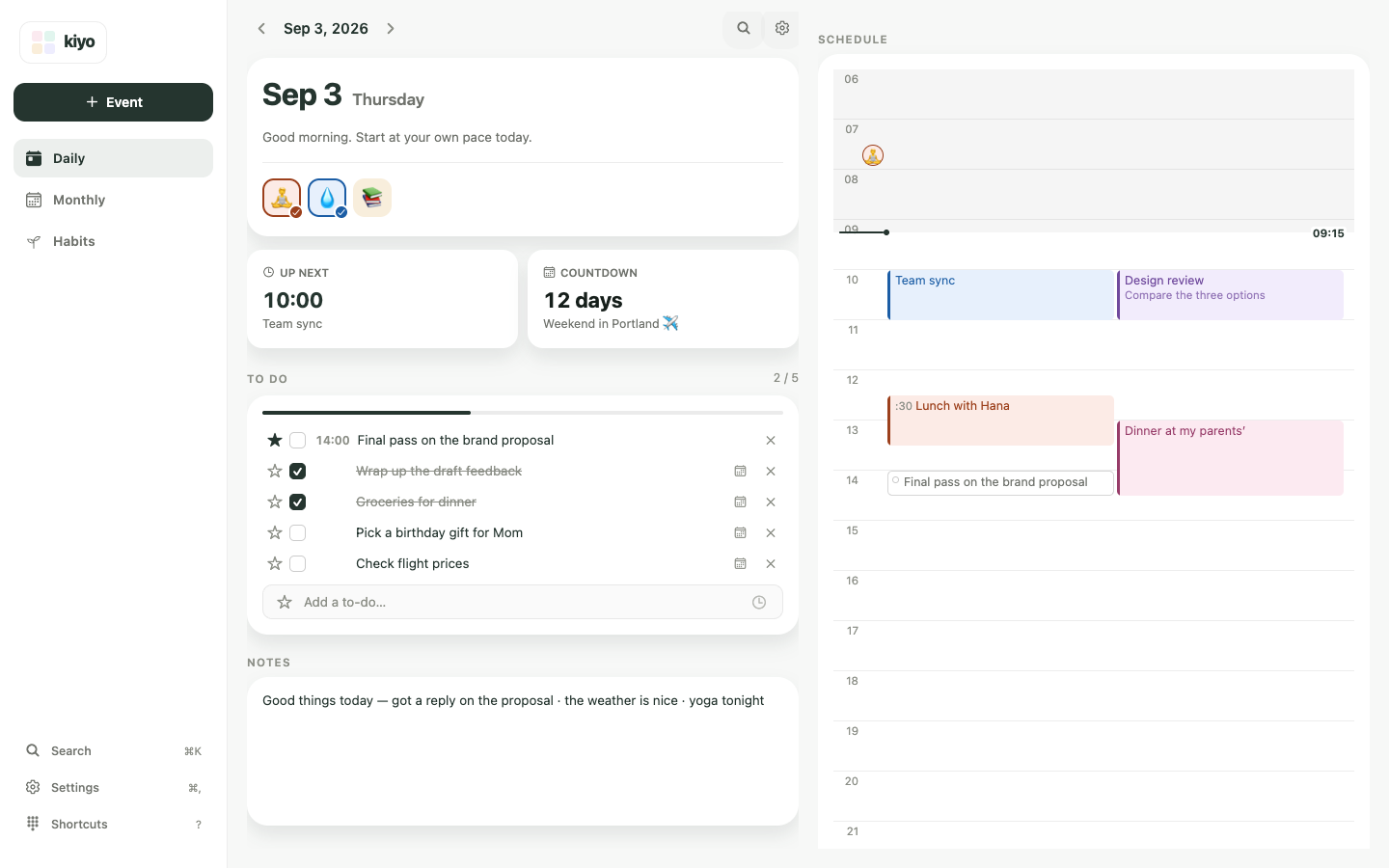
With Kiyo
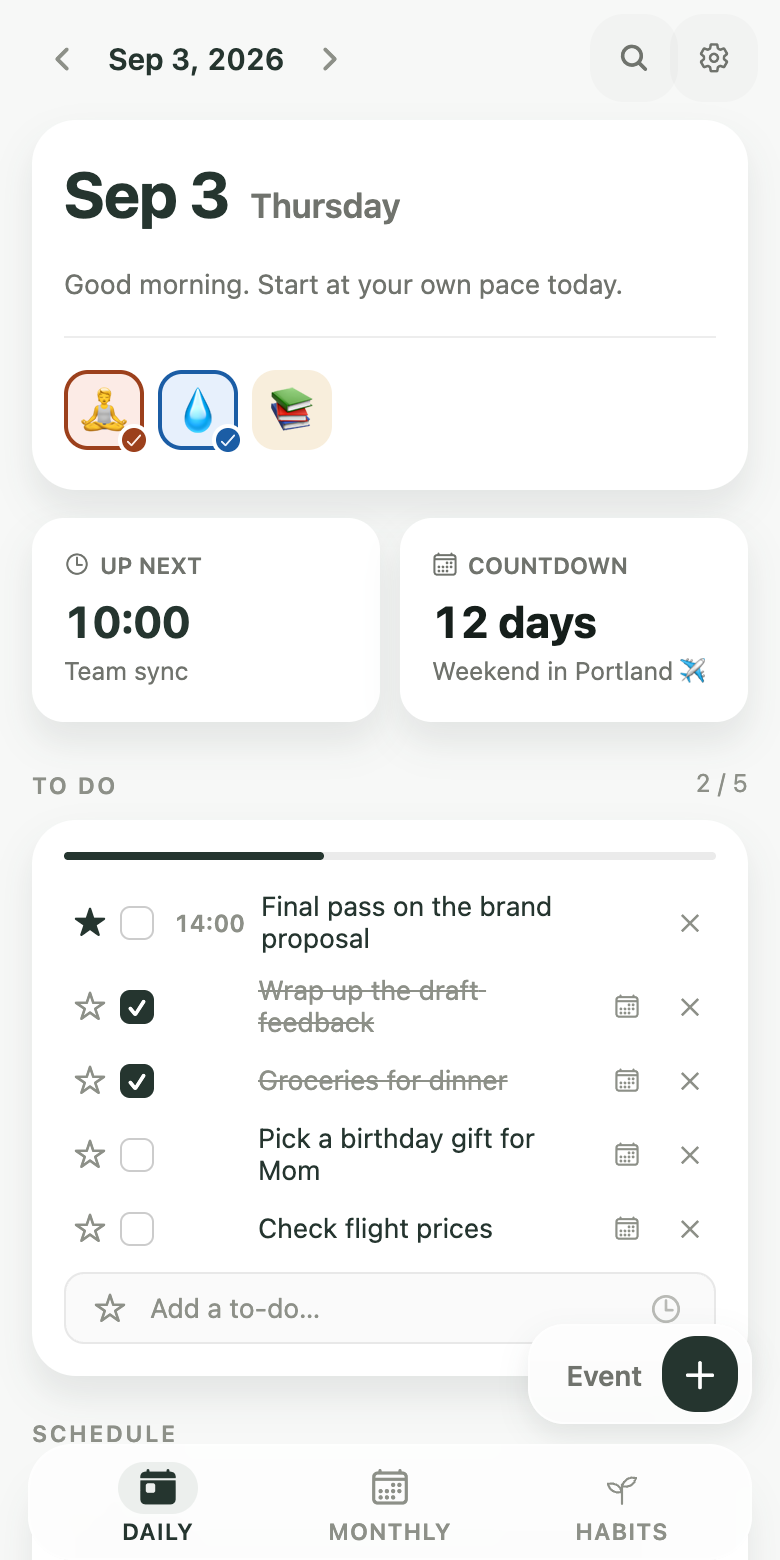
Keep your countdown at the top of your Daily view.
How to count days before or after a date
Choose a date to see how many days are left until it arrives, or how many days have passed since it. You can also find milestones such as the 100th or 200th day.
This calculator displays results using D-Day notation. 14 days before the date is D-14, the date itself is D-Day, and 14 days after it is D+14.
If you count the starting date as day 1, the 100th day falls 99 days later. This method is commonly used for 100-day celebrations in Korea. If you start counting from the following day, it falls 100 days later. The two are always exactly one day apart.
A year is counted by date rather than by days. The same month and day in the following year is the one-year mark, which is why the result is the same under either method.
Frequently asked questions
Does the starting date count as day 1?
You can count either way. Count the selected date as day 1 to include it, or count the following day as day 1 to exclude it. The two methods put day-based milestones such as the 100th day exactly one day apart.
How do I calculate 100 days?
If the selected date is day 1, day 100 is the selected date plus 99 days. If the following day is day 1, it is the selected date plus 100 days. The two results are always exactly one day apart. 200, 300, 500 and 1,000 days follow the same rule.
What do D-Day and D+1 mean?
D-Day is the notation this page uses for the selected date itself. D-1 is the day before it, and D-14 is 14 days before. Once the date has passed it is written with a plus, as in D+1, meaning one day has gone by. Because this notation treats the selected date as 0, the number can be one off from a 'day N' count that makes the selected date day 1.
Can I save the date I calculated?
Not on this page. The calculation happens inside your browser, and the date you enter is neither saved nor sent to a server. To keep track of a date, create an event in Kiyo and turn on Countdown. For upcoming dates, your countdown appears at the top of your Daily view.
Dates are calculated in your browser. The date you enter is not saved or sent to a server.