How to use Kiyo on your computer
Kiyo also works in a web browser, with nothing to install. Sign in with the same account as the app to see the same plans.
Open the Kiyo website
On your computer, go to kiyoplanner.com and choose “Log in” at the top right.
Sign in with the same account
Use the same Apple or Google account you use in the app. Your events, to-dos, habits, and cycle records sync across web, iPhone, and Android.
View your month and day together
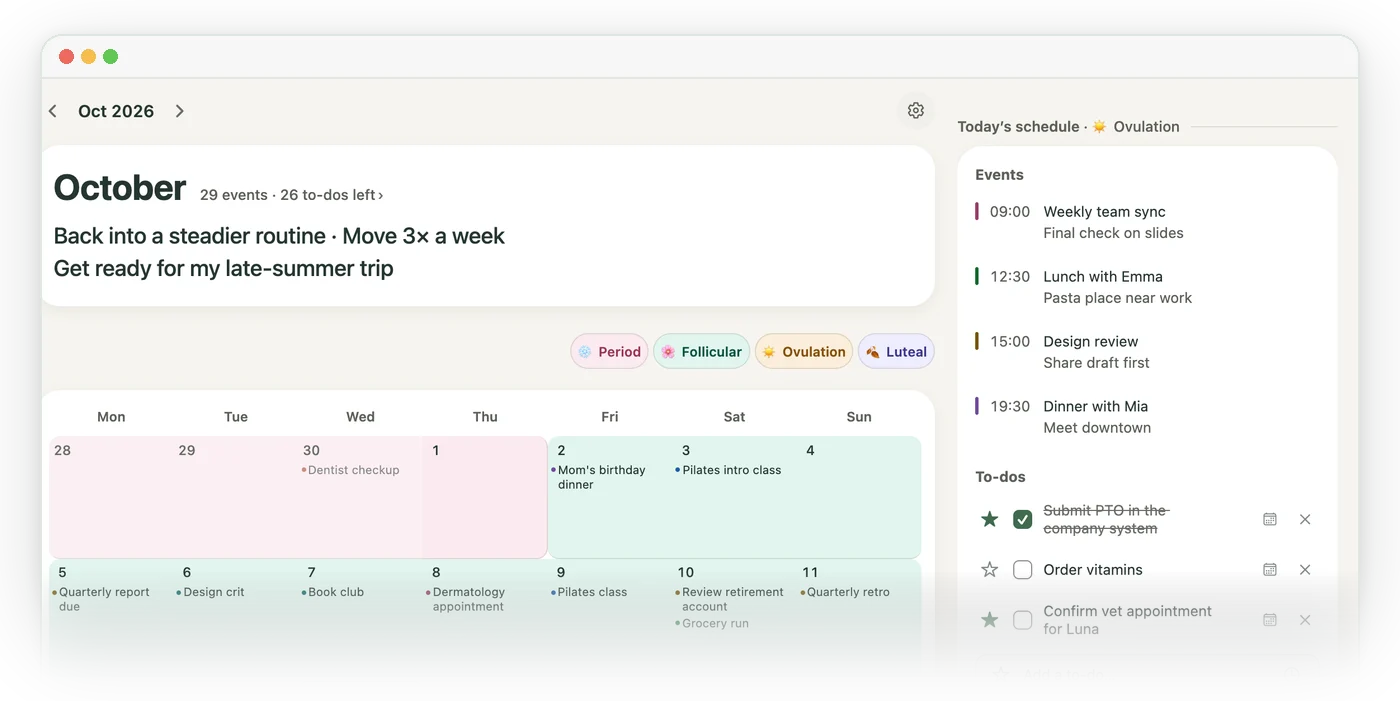
On a wide screen, Monthly shows the month beside the selected day’s events and to-dos.
Related questions
Do I need to install anything?
No, Kiyo is free to use in a current web browser, with nothing to install.
Can I use it without an account?
Yes, with “Start on the web,” but those records stay in that browser and don’t appear in the phone app. To see the same plans on both, sign in with the same account.