Events, To-Dos and Routines: What Belongs Where?
Use a calendar event for something happening on a particular date or at a particular time, a to-do for something you need to finish, and a routine for something you want to keep doing. A task can have a deadline. A routine can have scheduled days. Choose the form by what you need to know about it.
That sounds straightforward until you sit down to plan an ordinary week. You’ve booked a yoga class, your membership needs renewing, and you want to stretch more regularly. Should all three go on the calendar?
They all take time, but you need different things from each record:
| What you’re planning | Useful form | What you need to know |
|---|---|---|
| Yoga class on Thursday at 6:30 pm | Event | When do I need to be there? |
| Renew the membership before Friday | To-do | Have I finished it? |
| Stretch on three mornings each week | Routine | Am I keeping it up? |
In Kiyo, these keep their own forms and come together in Daily. You can see what the day involves without giving every small action a calendar slot.
Calendar event or to-do? A date isn’t the deciding factor
The yoga class needs a place on your calendar. You’ve booked it, and you need to see that commitment before accepting another invitation for Thursday evening. A dentist appointment, a train journey, or a day off works the same way. An event can last all day; it doesn’t need a start time.
The membership renewal needs a place on your to-do list. What matters is getting it finished before it expires. You might do it at lunch, on the train home, or whenever you have a few minutes.
A deadline tells you when something must be finished. A calendar slot tells you when you plan to spend time on it.
Both can be helpful. If you keep forgetting the renewal, you might set aside ten minutes for it. For a larger task, such as preparing a presentation, you may need several calendar blocks while keeping the task on your list until it’s done.
Time blocking gives work room in your day. A checklist lets you see what still needs finishing. You can use either or both, depending on what helps you follow through.
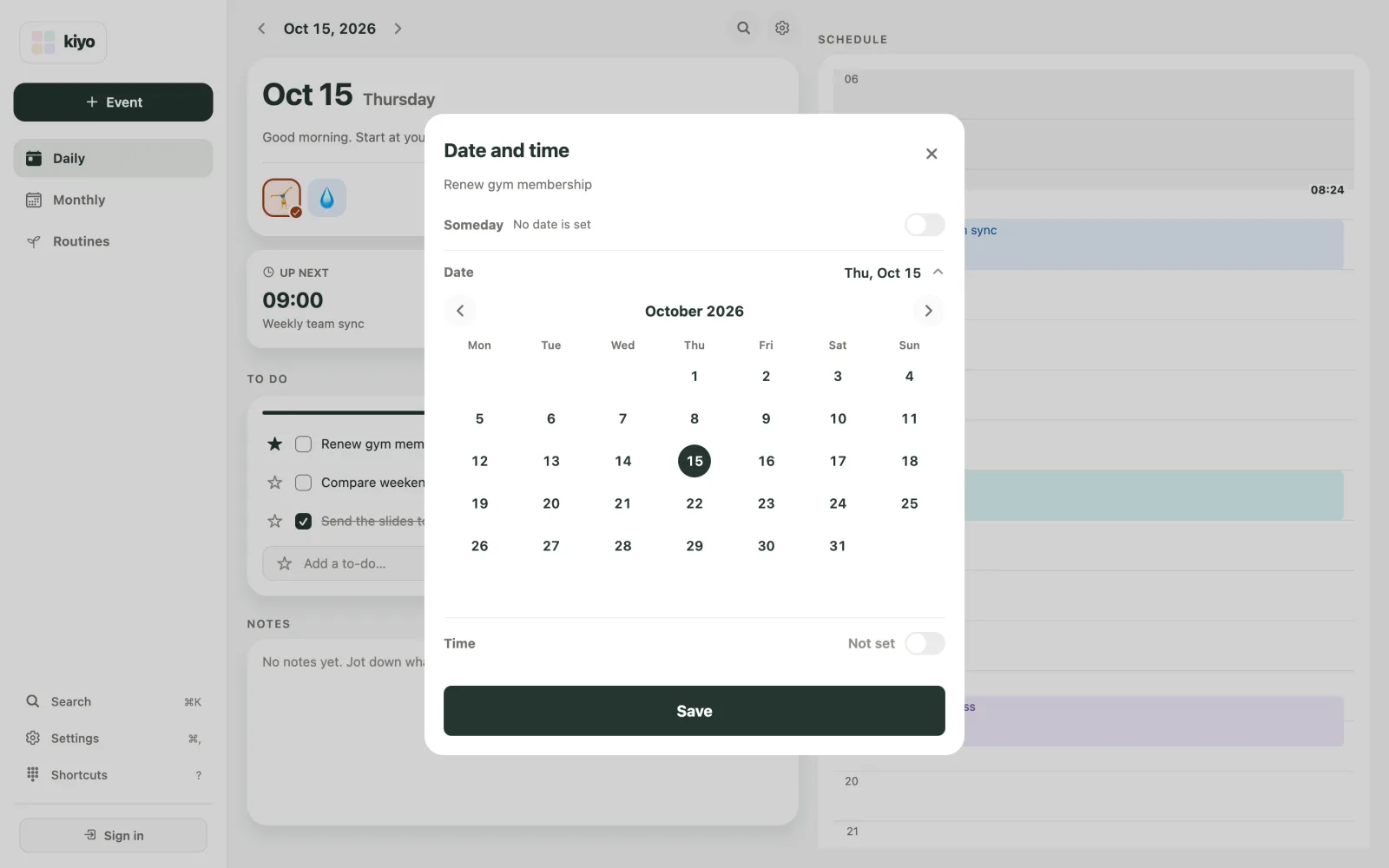
Kiyo gives to-dos their own checklists, with stars for important items and Someday for things you haven’t assigned a date. You can keep something in view before deciding exactly when to do it.
Routine or recurring event? Think about what you want to remember
Stretching once doesn’t finish “stretch regularly.” You want to return to it, and perhaps look back at how often you did.
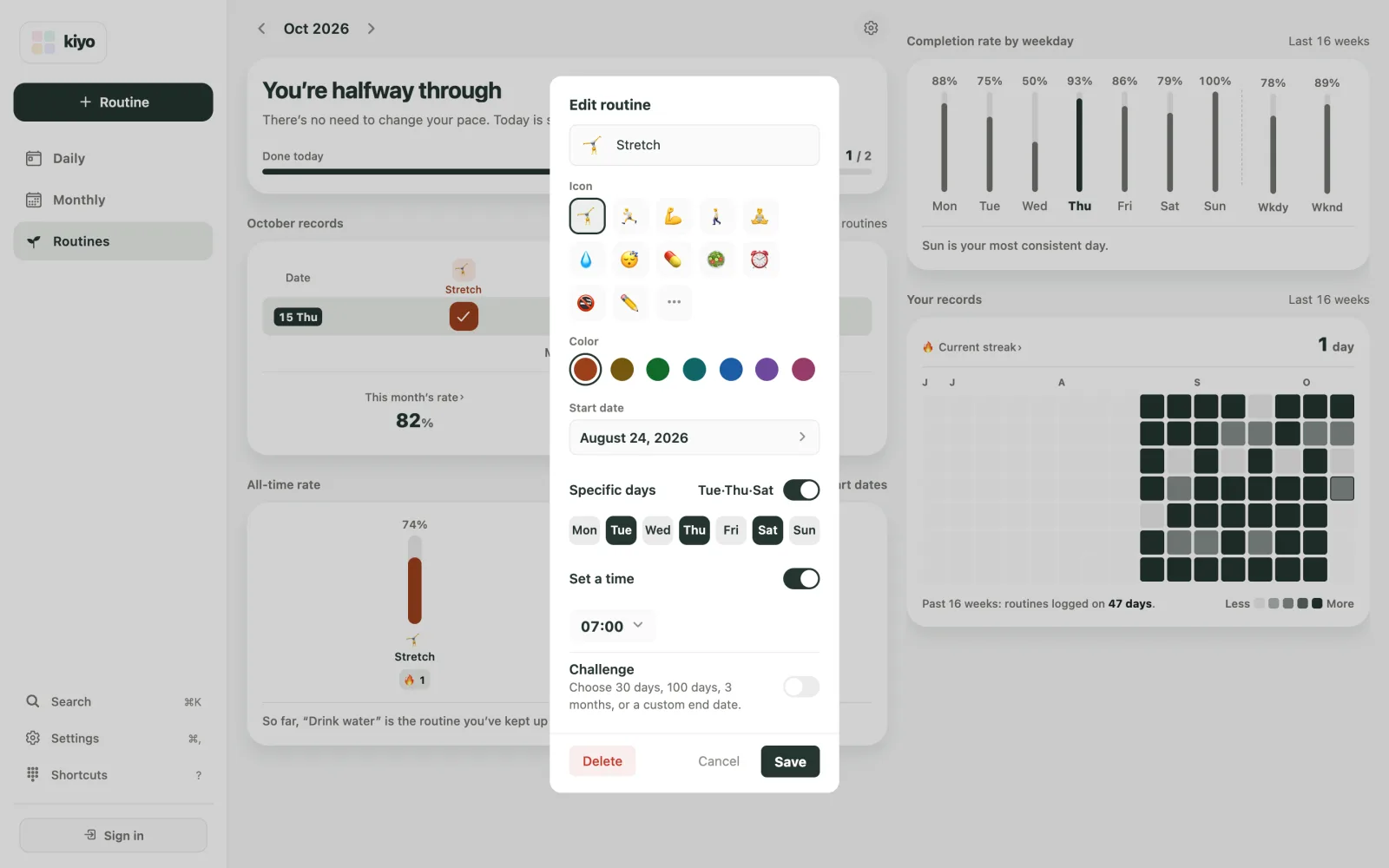
That makes it useful as a routine. You can choose Tuesday, Thursday, and Saturday without putting a stretching event on every one of those dates in your monthly calendar.
A booked yoga class every Thursday can still be a recurring event. Its time matters: someone is expecting you, and other plans need to fit around it. If you also want to track your exercise practice, you might keep a routine record alongside those bookings.
The two records answer different questions. One shows the classes you planned to attend. The other shows the check-ins you recorded. A class sitting on a past calendar date doesn’t, by itself, confirm you went.
In Kiyo, routines live in Routines. They have scheduled days and a check-in history. On those days they appear in Daily for checking in, and if you give one a time, it also shows on that day’s schedule. Its history stays in Routines, and routine occurrences aren’t added as events in Monthly.
Use both forms if both records are useful to you. If remembering the class time is all you need, the calendar may be enough.
Why Kiyo keeps these separate—and shows them together
A calendar with only one appointment can still hide a busy day. There may be a form to submit, groceries to buy, and a routine you want to keep up. Equally, a long checklist doesn’t tell you how much of the day is already committed to meetings or travel.
Kiyo’s Daily view brings events, to-dos, and routines together so you can consider the whole day. Events keep their timing, to-dos their checkboxes, and routines their check-ins.
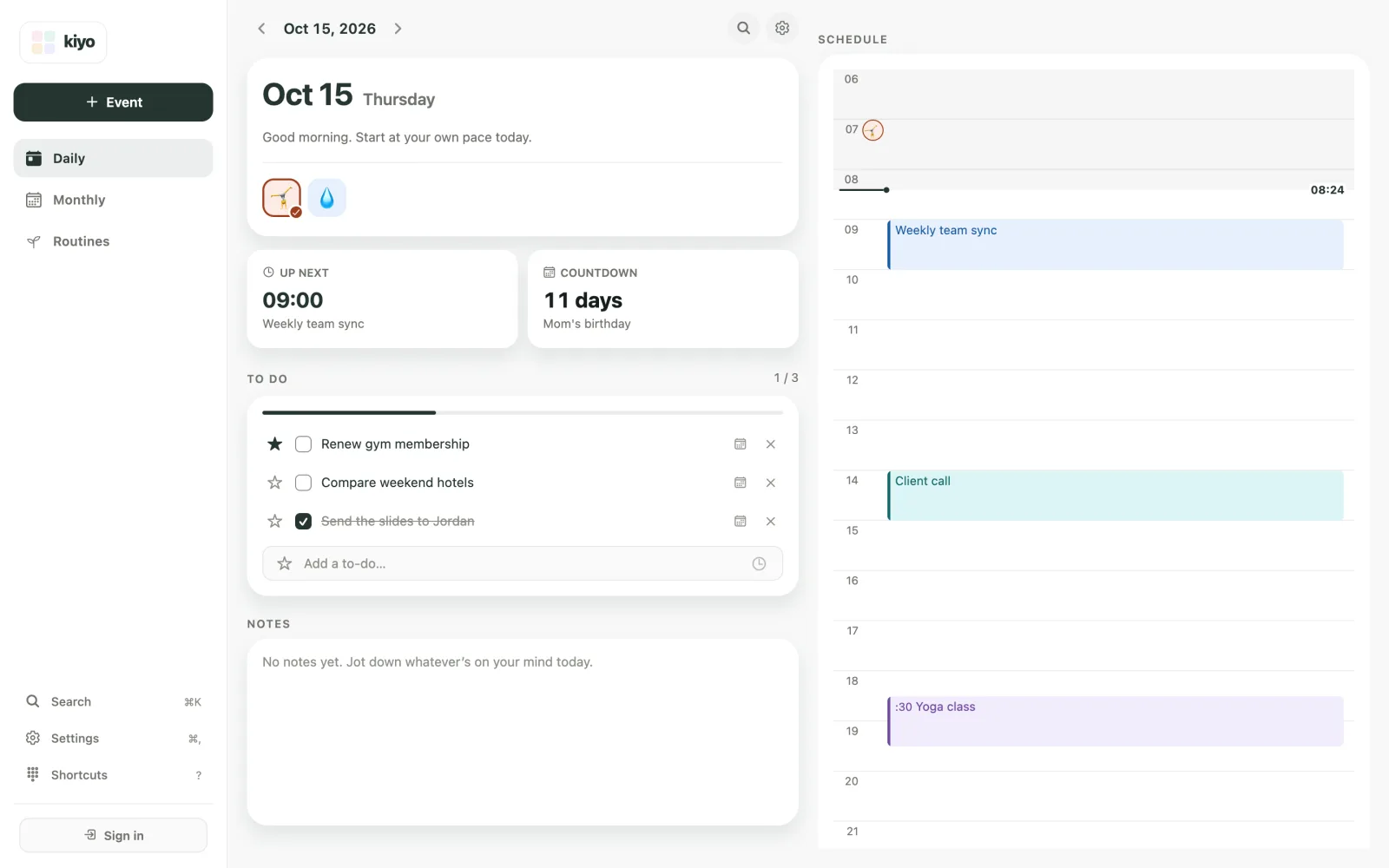
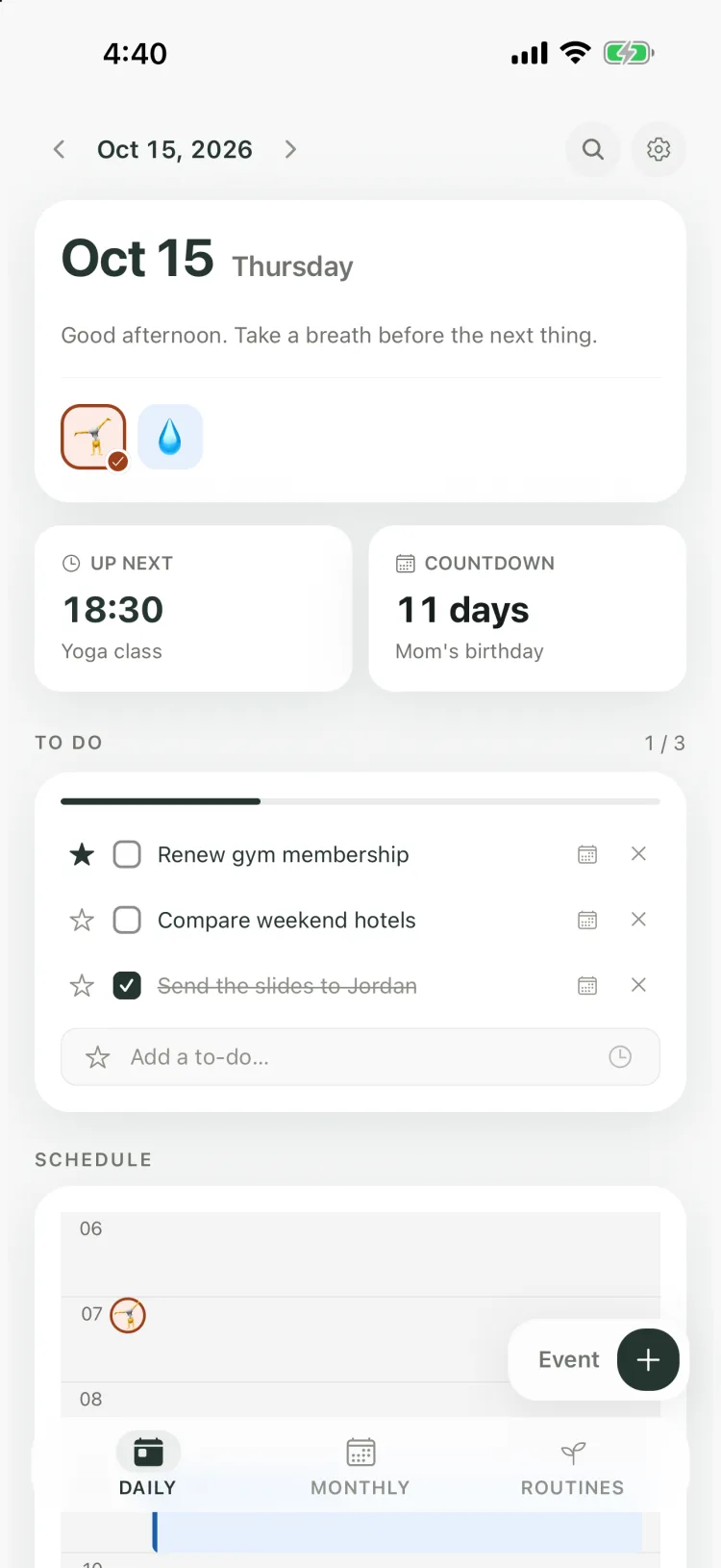
We chose that structure because seeing everything together and managing everything the same way are different needs. You should be able to see what’s ahead without having to turn a renewal into an appointment or a stretching practice into a row of calendar entries.
That distinction matters when you decide how much to take on. An empty evening after a demanding workday may be time you want to leave free. A short checklist item may take more effort than its size suggests. The planner needs to help you see the commitments; you bring your knowledge of how you feel and what seems manageable.
If you turn cycle tracking on, estimated cycle information adds context to the dates in Kiyo’s calendar. It gives you something else to consider alongside your own experience, without becoming another event or deciding your plans. Daily works with cycle features off, too.
Put the distinction to work on an ordinary Thursday
Imagine you have a full workday and the yoga class at 6:30 pm. Your membership expires tomorrow. You also planned a morning stretch and have “compare weekend hotels” on your to-do list.
Looking at the day together, you might choose to:
- Keep the class at its booked time.
- Renew the membership during lunch, because it needs finishing before Friday.
- Check in for the stretch if you did it that morning.
- Move the hotel search to Saturday, when you’ll have more room for it.
You’ve made a decision about what fits, using the fixed commitment, the approaching deadline, and the time and energy you expect to have. There’s no need to find a time slot for the hotel search just because it was on Thursday’s list.
The useful result is a day you can understand and adjust. You know where you need to be, what needs finishing, and what you want to keep doing. You can also decide what to leave for later.
When you next add something to your planner, start with the question you’ll want answered when you return to it. Give it a date or time when that helps, then check how it fits with the rest of your day.
Learn more about how Kiyo brings everyday plans together, or explore routine tracking in Kiyo.